Connected self-storage management
Everything connected. Nothing complicated.
Self-storage software that brings your facility, renters, and daily operations together.
See How It WorksFrom the first online rental to the work you do every day.
Your facility, at a glance
Your renter, connected
Product previews · Example data
Follow one connected rental
Less re-entry. A clearer path forward.
Explore what the renter does, what StoraMate records, and what you see in your facility workspace.
Step 1 of 4
A clear first step for your next renter.
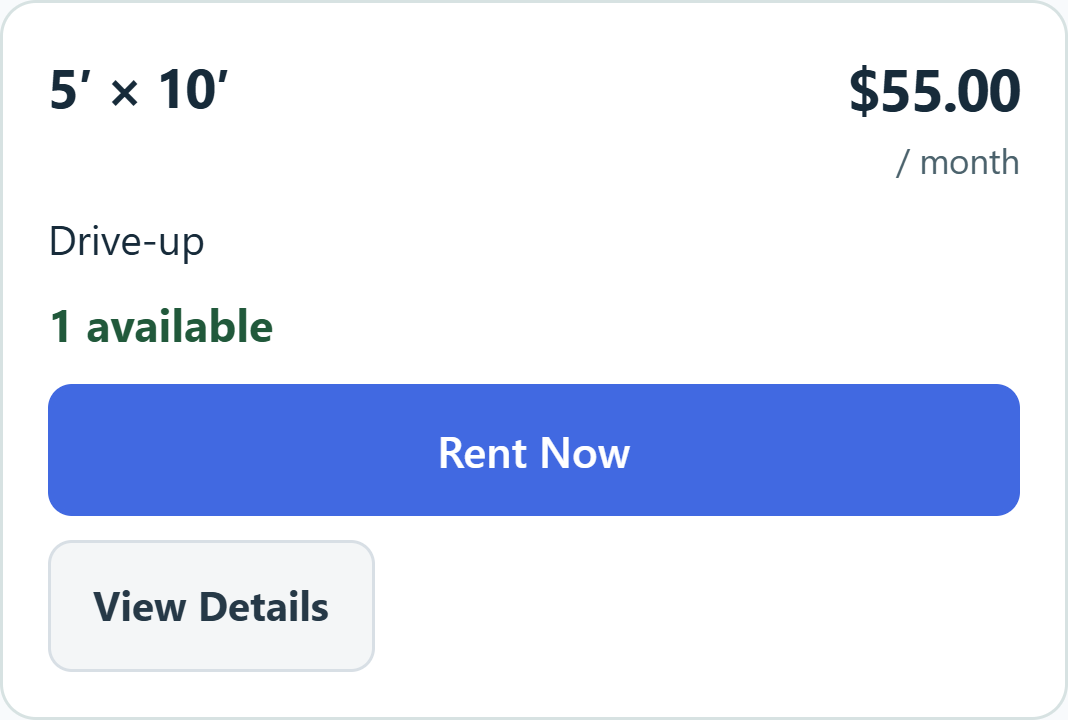
Renters choose an available space and enter their information once. Email confirmation returns them to the saved checkout, with facility questions and required photo-ID collection kept in the same journey.
- The renter
- Choose a space and provide the information your facility needs.
- StoraMate
- Keep the reservation, saved details and outstanding steps together.
- Your facility
- See the checkout’s actual progress and anything needing attention.
Select a stage to explore the real interface. These product previews do not create rentals or take payments.
A place for established tenancies
Start with the renters you already have.
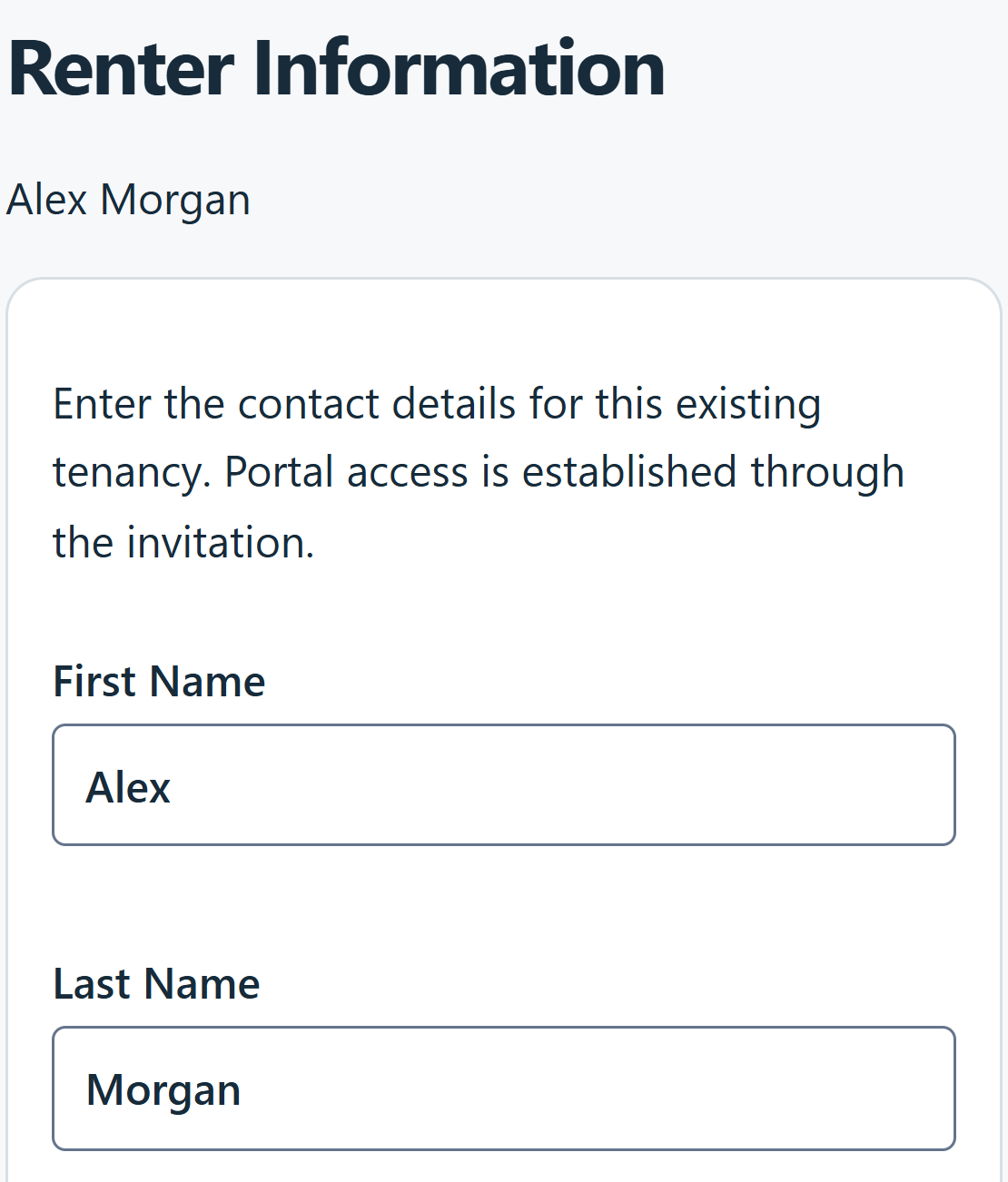
Bring existing rentals into the same workspace as your next online rental, without asking every renter to start over.
- Establish the renter and their units
Record tenancy details and agreed terms. Keep existing signed agreements with the right rentals.
- Review where billing begins
Review opening amounts and each unit’s billing schedule. Existing debt and deposits already held stay distinct from new money received.
- Invite them into their portal
The secure invitation connects the renter to their prepared account. New users set up access; existing users use their established credentials.
Save and resume setup. Bringing a tenancy into StoraMate does not itself take a payment or enroll the renter in Autopay.
More than a signature box
An agreement with its rental’s story attached.
Your source agreement, this rental’s details and its signing record—kept together.
- Use the reviewed source version
The package references your facility’s reviewed agreement configuration and preserves the original legal pages.
- Add the facts for this rental
Renter information, unit, billing start, rent, due dates and first-period charges appear on generated information pages. The applicable configuration determines the required answers and signing steps.
- Keep an identifiable completed record
Each package page carries its document number and page reference. Consent, signature method and signing times are retained with the execution; detailed session and network evidence stays in protected records.
Owners retrieve the completed document from the rental; renters use their portal. Updating a template does not rewrite a signed agreement.
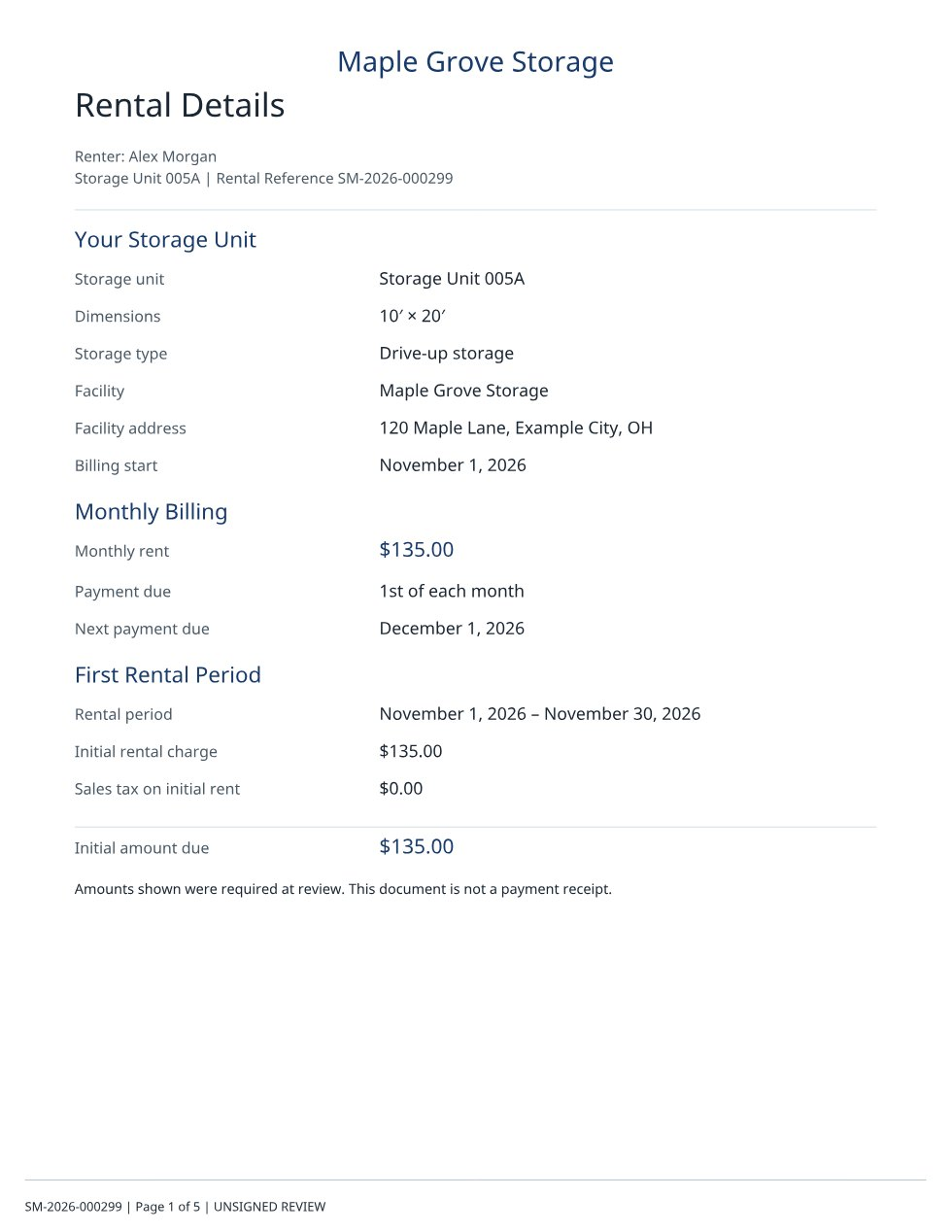

Prepared for the person signing.
StoraMate assembles the rental information, source pages and signing pages into one package. Renters see preparation feedback, then read the complete document before adopting their signature.
Page references identify the package and sequence. They do not mean every legal page contains renter details or an in-place signature.
Product demonstration · No document is created
Preparing Your Rental Agreement
We’re getting your agreement ready to review and sign.
Adding your rental details.
The same preparation screen renters see in checkout. The application adds rental details, prepares the pages, checks the package and saves it before review.
The next day matters, too
A workspace for the work of running a facility.
Follow the records that matter, with a useful next action when something needs attention.
Know where the day stands.
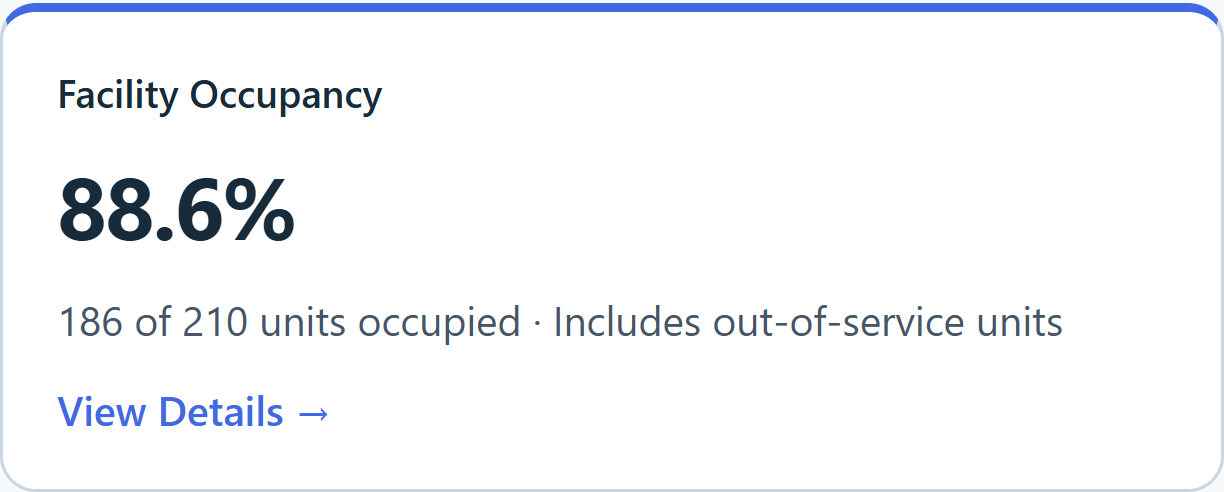
See collected payments, overdue balances, occupancy and physical availability. Open the related accounts or unit records instead of tracking down the same information elsewhere.
Attention items connect to the relevant workflow, including billing reviews and unit preparation.
Less searching. More continuity.
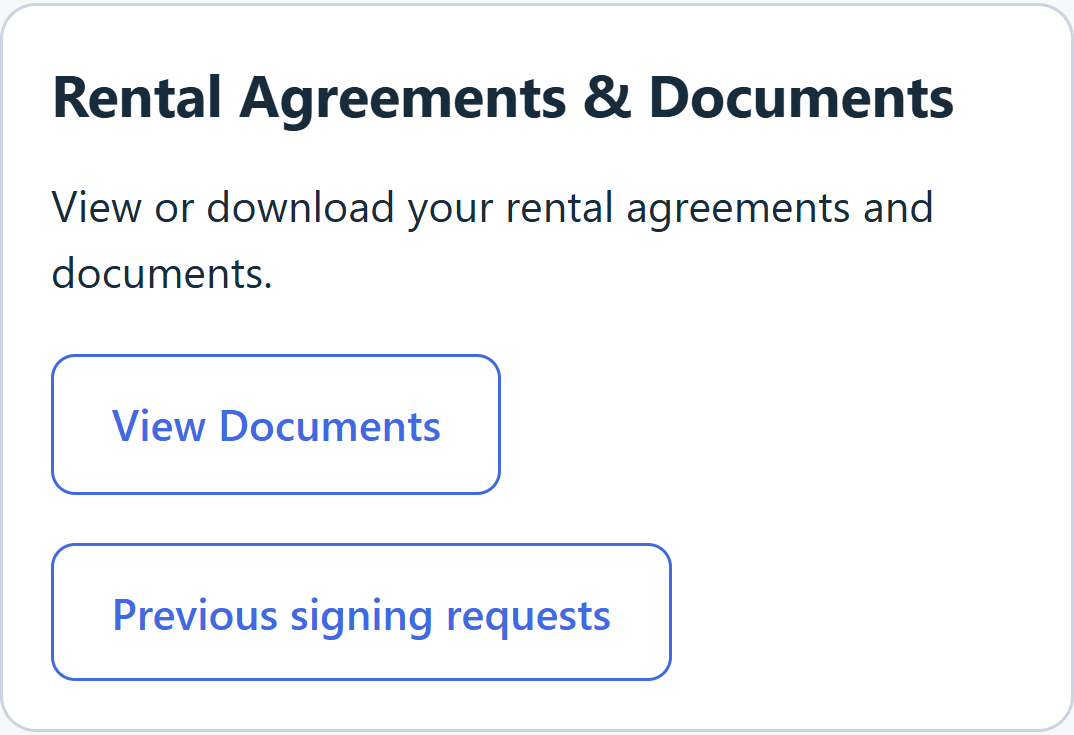
Renters return to their rental documents, payment information and messages in one portal. Owners open the associated account, with each rental’s billing schedule following the saved terms.
Occupancy, account balance and online availability stay distinct. A paid invoice or scheduled departure does not release an occupied unit.
A clearer departure, too
Choose a date with the rules in view.
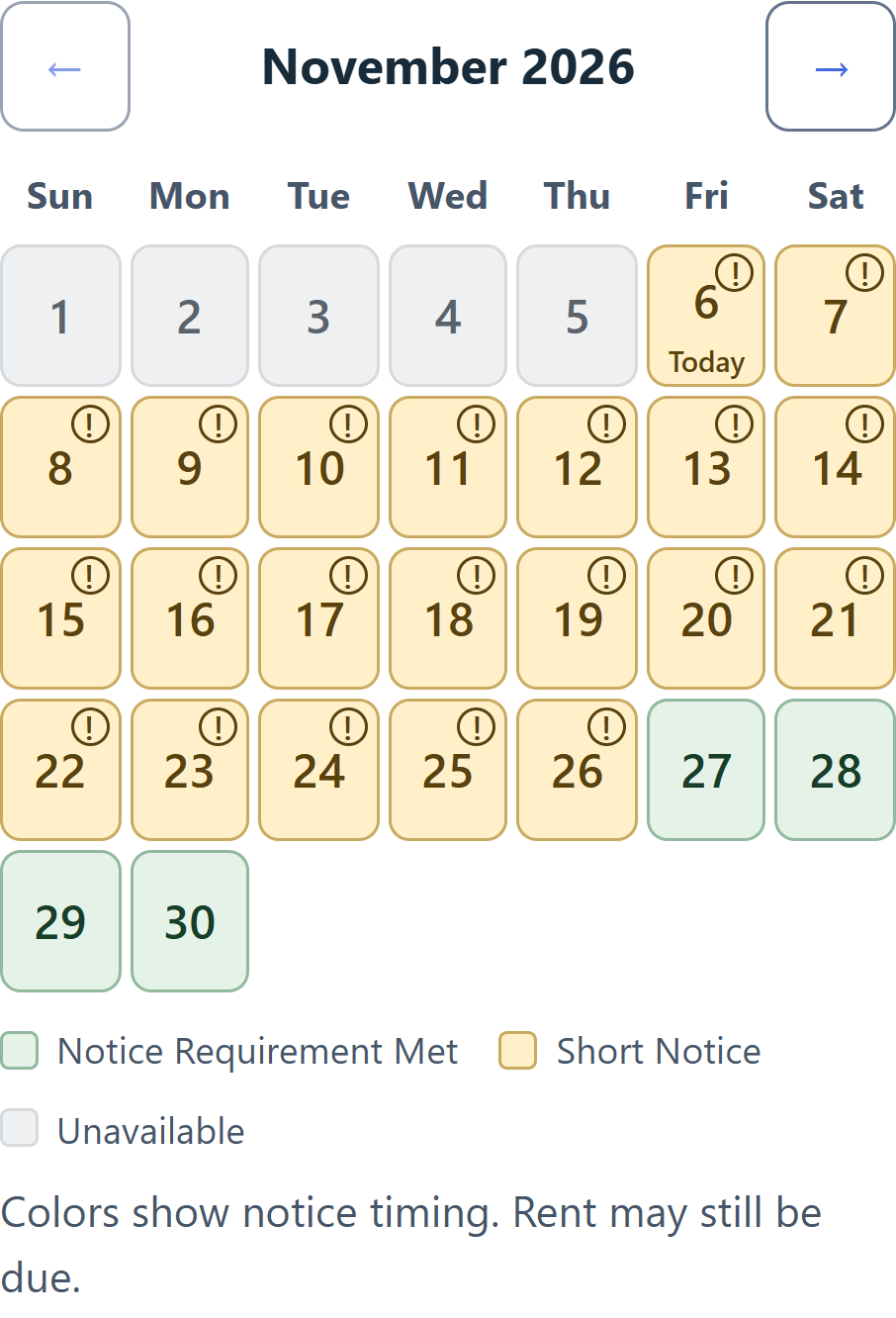
Move-out planning brings the rental’s notice terms into the calendar, before the renter submits a request.
- Green · Notice requirement met
The date meets the applicable notice rule. Regular rent may still be due.
- Yellow · Short notice
Less notice than required. The review explains the resulting rent or fee responsibility.
- A request that stays connected
The owner sees the selected units, requested date and original receipt time. Approval, actual vacancy, inspection and unit preparation are tracked separately.
The example shows an existing rental’s 21-day notice rule. Facilities can have different terms. A scheduled date does not release a unit or confirm that it is empty.
Inside StoraMate
Our software.
Connections that go deeper.
StoraMate is proprietary self-storage software designed and developed by Troth Software Group Ltd.
We build the application, workflows and product experience. Established database, hosting and payment services provide the infrastructure underneath.
Billing and operational processing
Configured schedules drive recurring invoices, coverage periods and due dates. Saved rent, tax and charge definitions feed the same billing records used by checkout and owner workflows.
Payment events are matched to their account and attempt before receipts and allocations are posted. Repeat requests and recovery reconcile existing work, helping prevent a retry from becoming another charge. Bank verification, processing and settlement remain different states.
StoraCore™ and platform operations
StoraCore is the internal name used for StoraMate’s shared billing and operational core: agreed rates, charge definitions, invoice commands and recurring processing.
Private platform administration is a separate responsibility. It manages software-customer configuration and restricted platform setup; it does not process a facility’s payments. Stripe processes rental payments in the facility’s connected merchant account.
Data and document storage
StoraMate’s application records use PostgreSQL through Supabase. Private documents use protected storage and, for applicable document workflows, database-backed bytes.
Document reads pass through relationship and permission checks. Source versions, completed executions and rental associations let the right people retrieve the right document without replacing a signed record when a template changes.
Identity and portal security
Facility memberships and staff permissions govern facility work. Protected owner and staff operations require multi-factor authentication; renter access is tied to the actual account and rental relationship.
Email confirmation proves control of the confirmation channel. Existing-account sign-in and facility association are separate checks. Entering someone’s email or knowing a unit number does not grant their account or document access.
Background work and recovery
Scheduled billing jobs identify due work from saved configuration. Payment-event handling and processor recovery reconcile provider state with recorded attempts. Preparation and communication jobs keep their own progress and retry state.
The benefit is continuity after an interrupted request: reconcile what already happened, retry what remains, and surface unresolved work for owner attention. These are specific scheduled and event-driven operations, not a promise of continuous monitoring of every record.
Verification at the important boundaries
Verification exercises repeated requests, interrupted checkout, concurrent actions, signing recovery and cross-renter or cross-facility denials. Payment acceptance checks provider events against receipts, allocations and invoice balances in Stripe Sandbox.
Chrome and WebKit journeys complement server and database regressions. They provide evidence for tested behavior, not a guarantee that software cannot fail. Each facility still completes payment onboarding and deliberate activation before live collection.
A practical starting point
Set up your facility.
Keep your business connected.
An authorized owner begins with account security and facility details, then configures units, pricing, billing and agreement requirements. Guided existing-renter onboarding helps bring established tenancies into the same workspace.
- 01Your facility, your rules
Set up units, pricing, billing and the agreement terms your rentals need.
- 02Your facility’s Stripe account
Complete Stripe’s onboarding and verification for the facility’s merchant account.
- 03A deliberate start to collection
Review opening records, configure renter access and complete activation before taking live payments.
Before you get started
Good questions.
Straightforward answers.
Can existing renters use StoraMate?
Yes. The guided existing-renter workflow supports tenancy details, opening obligations and renter-access tasks. Opening balances and held deposits are recorded separately from new money received. Existing records need review so debt or billing periods are not duplicated.
Can I use my facility’s agreement?
You can upload and configure an agreement source, map its required fields, preview it and complete the required review before publication. Uploading an arbitrary PDF does not automatically configure every rule or make it ready for signing.
Where do completed documents go?
Completed agreements are associated with the correct rental and made available through owner and renter document views. A later template update does not replace an already-signed document.
How do renters access their account?
New renters follow the portal-setup or invitation process. Returning renters sign in with their existing credentials. Email confirmation and sign-in are separate checks, and additional-unit rentals preserve the established renter identity.
How are payments connected to my business?
A facility uses its own connected Stripe merchant account. Rental payments are created in that facility account’s context, separate from StoraMate software charges. Stripe verification, supported capabilities and approved activation must be complete before live collection. Bank payments can require verification and remain processing before settlement.
What does getting started involve?
An authorized owner completes account security, facility configuration, units and pricing, agreement setup and payment onboarding. Existing tenancies and opening financial records are reviewed before recurring operations begin. Live collection is a separate activation step after the required setup and verification.
See the connections for yourself
One rental. A more connected working day.
Take another look at how the pieces work together.